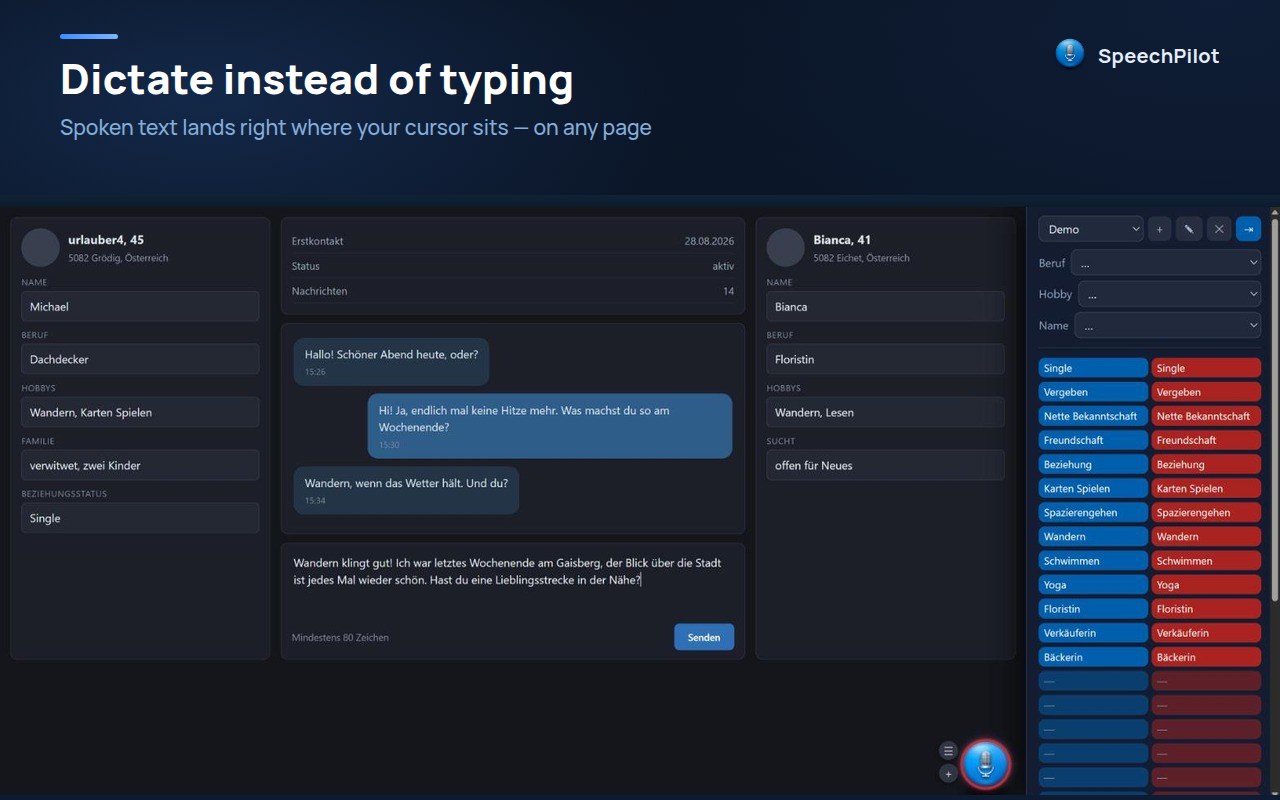
What SpeechPilot looks like in use — the sidebar on the page and the settings behind it.
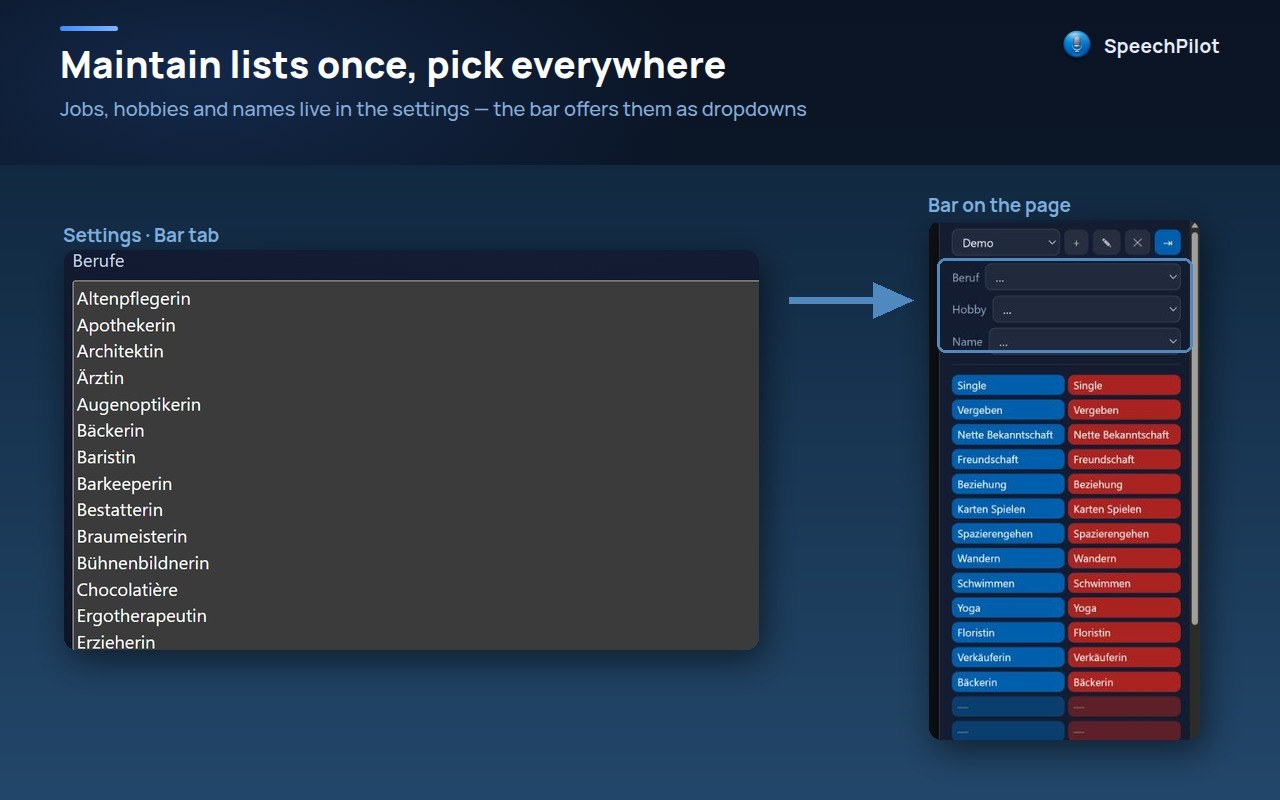
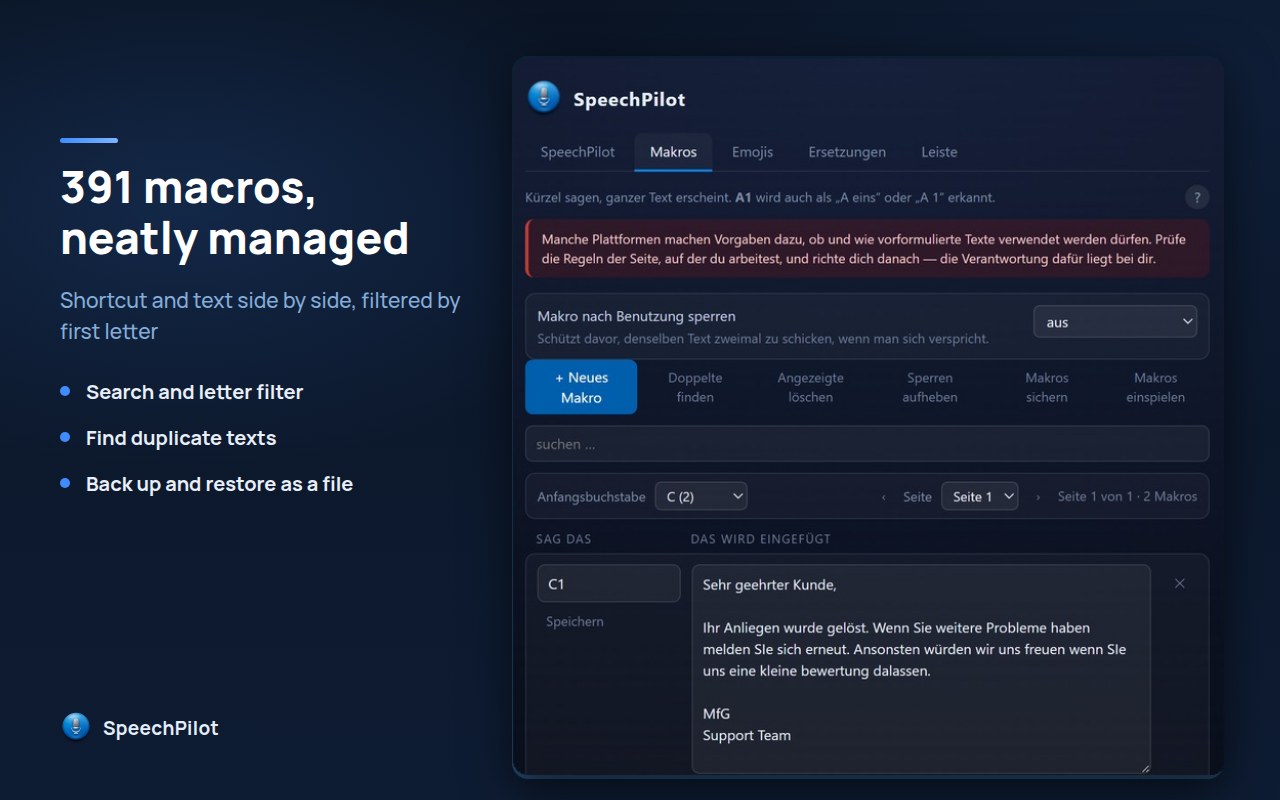
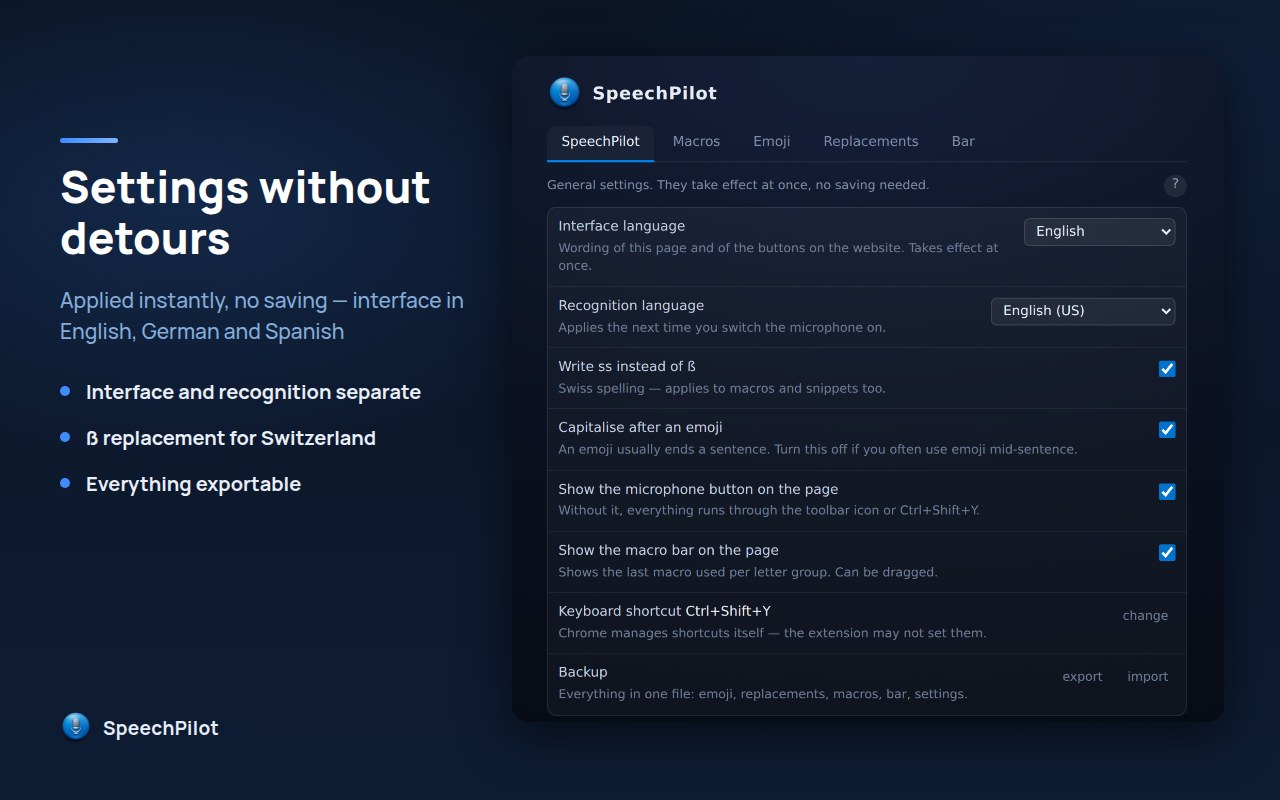
Spoken text lands in the field where the cursor is. The sidebar sits on the right.Settings, sidebar tab: set up occupations, hobbies and names once — they wait as a drop-down in the sidebar.Settings, macro tab: shortcut and text side by side, with search, filter and a check for duplicate texts.The general settings — recognition and interface language, switches, backup.
 SpeechPilot